How to make an animated flyer for a show, club night or DJ set
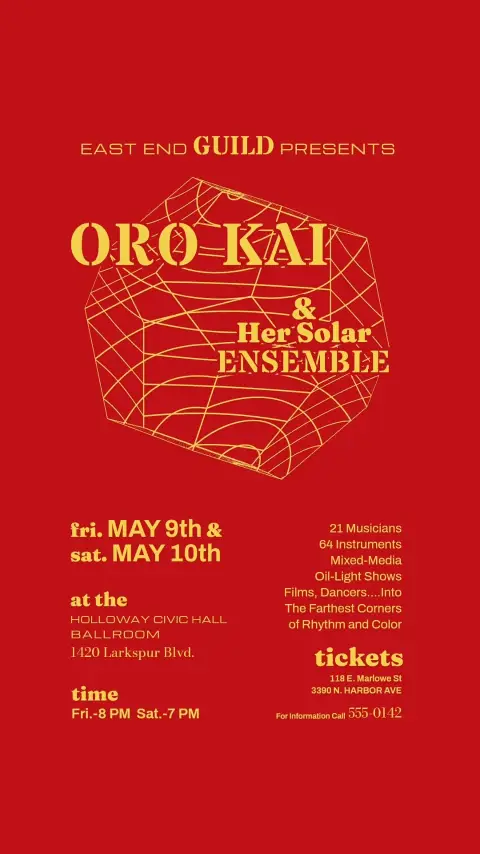
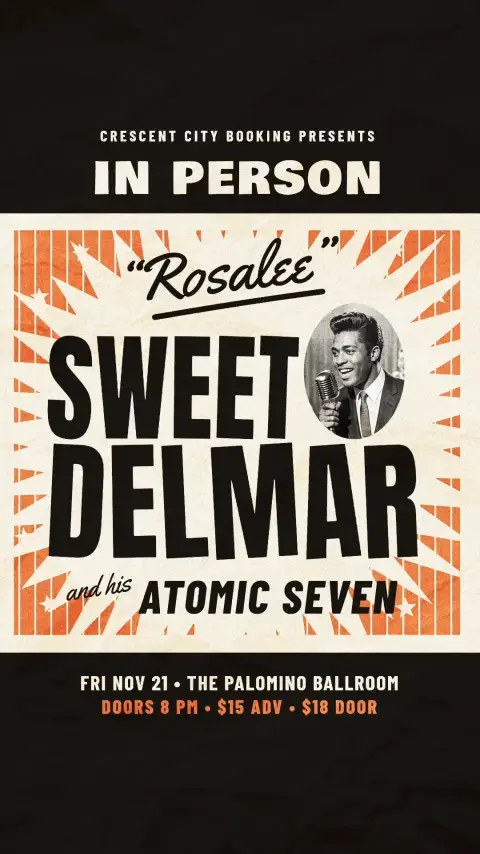
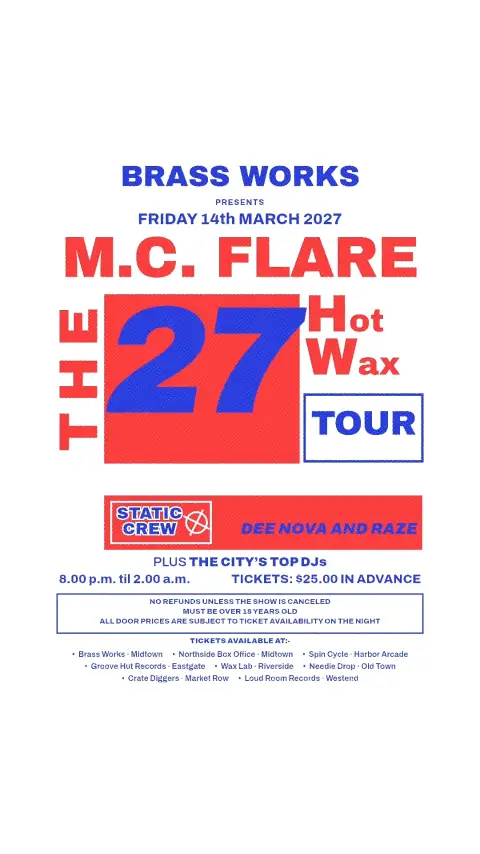
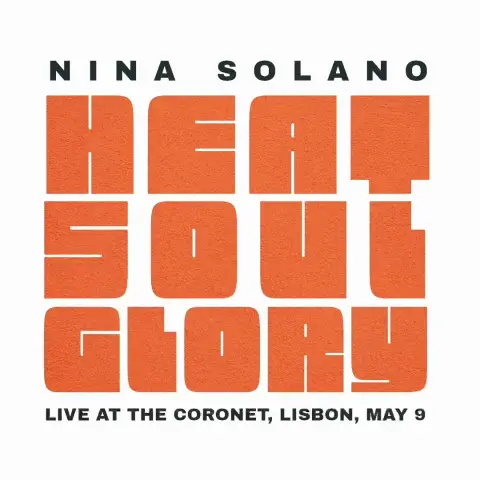
A still flyer shows the details. An animated one plays the sound of the night, which is what gets people to come.
Making it in Motiontone
- 1
Start
Open any template from the gallery and make it your own, or start from a blank canvas. You can begin without an account.
- 2
Details
Replace the event name, the lineup, the date, the venue and the ticket details.
- 3
Photos
Add photos of the artists or DJs. Remove background cuts each person out of their photo, so they can stand in front of the design.
- 4
Music
Upload a track or a clip of a DJ mix. Motiontone finds its beat, and any property can move with it, such as lights that flash with the Bass.
- 5
Motionbot
Describe the motion you want and Motionbot, the built-in assistant, animates it. Every change it makes stays editable, keyframe by keyframe.
- 6
Library
Save the venue's logo, fonts and colors to your Library, and every week's flyer starts with them one click away.
- 7
Sizes
Add artboards for an Instagram post (4:5), a story, reel or TikTok (9:16) and a square. They share one timeline, so every size moves together.
- 8
Safe zones
Turn on the social media safe zones to see where the TikTok and Reels buttons and captions will sit over your design, and keep your text clear of them. They only show in the editor, never in the video.
- 9
Export
Export an MP4 for each size and post it.